AI Image Tools
Can You Use AI Model Photos on Amazon?
Amazon and Shopify take different positions on AI-generated model imagery. What each platform allows, the labelling rules, and the resolution minimums that apply.
AI Image Tools
Most bad AI try-on output is caused by the input, not the model. Here is how to shoot flat-lay garments so a generator has something to work with, based on what failed in our test runs.
Independence notice. RemoveClothing buys its own subscriptions and takes no payment for placement. Some outbound links earn a commission; commissions never change a score or a rank. See the full methodology.
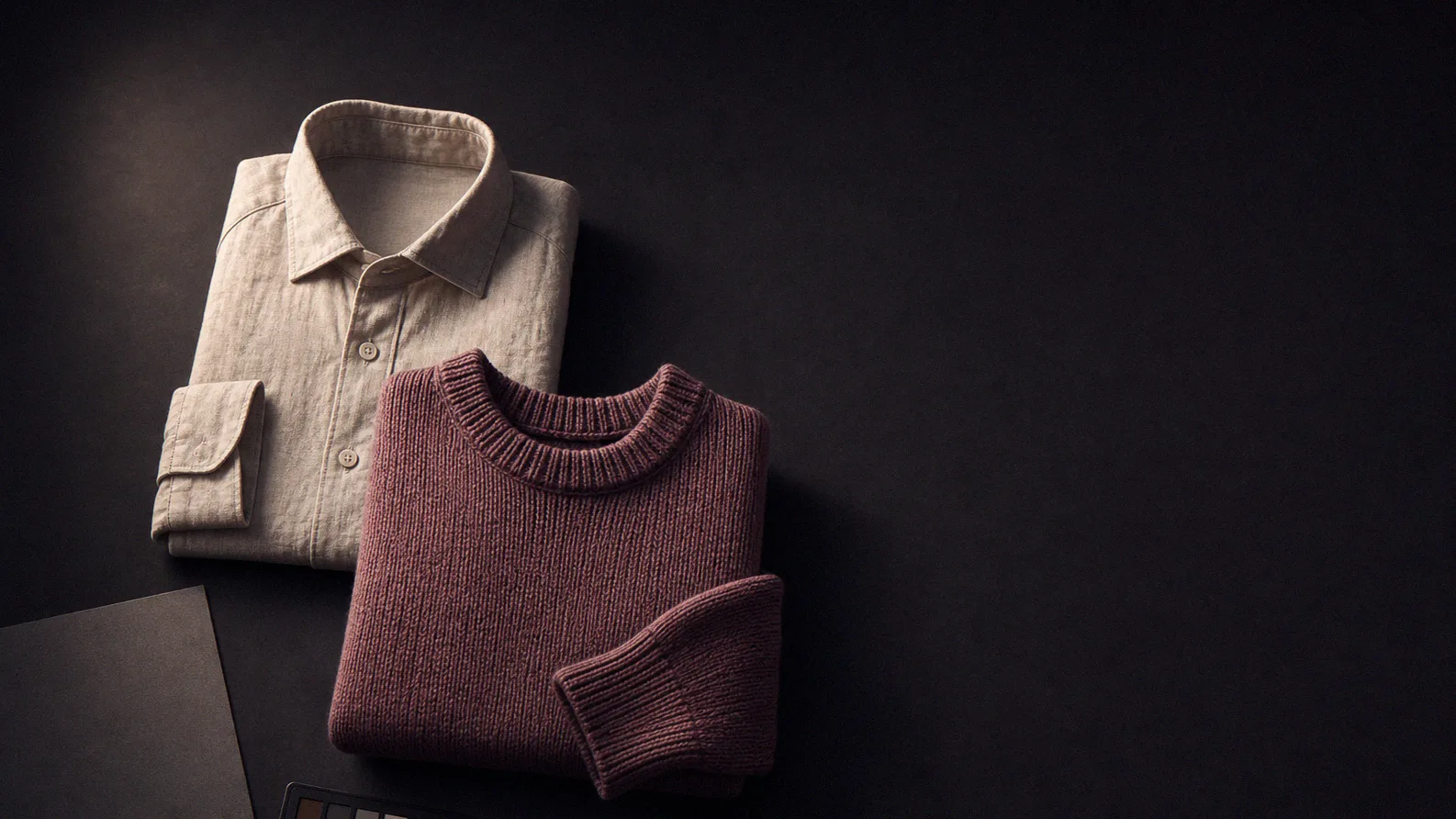
The single biggest driver of AI try-on output quality is the input photo, not the tool. Across our test runs, the same generator produced usable output from a well-shot flat-lay and unusable output from a wrinkled, angled, mixed-lighting shot of the same garment. Fixing the input is cheaper than upgrading the subscription.
Garment-warping models estimate how fabric should drape from a flat reference. A photo shot at an angle gives the model a distorted shape to start from, and it propagates that distortion into the output. Mount the camera or phone directly above the garment, parallel to the surface.
Two soft light sources at roughly 45 degrees on either side, or an overcast window, eliminate the hard shadows that a model will read as fabric features. A shadow across a sleeve frequently comes back as a crease or a colour shift in the generated image.
Wrinkles are the most common cause of what looks like model failure. A crease in the source is a crease in the output, often exaggerated. In our runs, ironed garments had a noticeably higher keeper rate than unironed ones on the same tool.
White garment on white background is the hardest case for segmentation. The model has to guess where the garment edge is, and it guesses wrong at the hem and cuffs. Use a mid-grey surface for light garments and a light surface for dark ones.
Amazon requires a 1600px minimum and recommends 2000px. Shopify recommends 2048x2048 and supports up to 5000x5000. Generation tools downsample your input, so starting large gives the model more detail to preserve. Shooting at your minimum output size guarantees a soft result.
Do not stretch sleeves flat into a T shape if the garment does not hang that way. Let the shoulders sit at their natural width and arrange sleeves with a slight, natural bend. Over-flattening produces output where the fit reads wrong even though the garment is technically correct.
Pick your two hardest garments — usually something with a dense repeating pattern and something sheer or layered — and run both through any tool's free tier before you subscribe. Solid-colour garments look good on every tool in the category; the hard cases are where the difference is. Our published sub-scores for garment fidelity are built on exactly this principle.
For most tools yes, because a mannequin already provides three-dimensional drape information. Ghost mannequin shots in particular tend to produce better output than pure flat-lays. Check which input types your chosen tool accepts before reshooting.
At least 2000px on the long edge, and larger if your camera allows. Generation tools downsample, so extra input detail improves the result even when the output is smaller.
Dense repeating patterns are the hardest case for garment-warping models. Shoot the pattern square to the camera with even lighting, and expect to test several tools — this is the dimension where scores diverge most.
Who wrote this
A Los Angeles based team of ecommerce production people, retouchers and reviewers. We run every AI try-on tool through the same 12-garment control set and publish the raw numbers.
Every AI tool mentioned on this site is tested on our own paid accounts against a fixed 12-garment control set, and scored on five published dimensions before any ranking is written. Read the full methodology or email hello@removeclothing.com with a correction.
AI Image Tools
Amazon and Shopify take different positions on AI-generated model imagery. What each platform allows, the labelling rules, and the resolution minimums that apply.
Clothing Care
Blood is a protein stain, so hot water cooks it into the fibre permanently. Cold water, salt and enzymes are what actually work, in that order.
Clothing Care
Grass stains are chlorophyll bonded to protein, which is a dye stain, not a dirt stain. Alcohol dissolves the pigment and enzymes break the protein.
All articles | Our full ranking of the best AI virtual try-on tools
Newsletter
Score changes, price movements and new guides from the same test desk — one email a month, one-click unsubscribe.